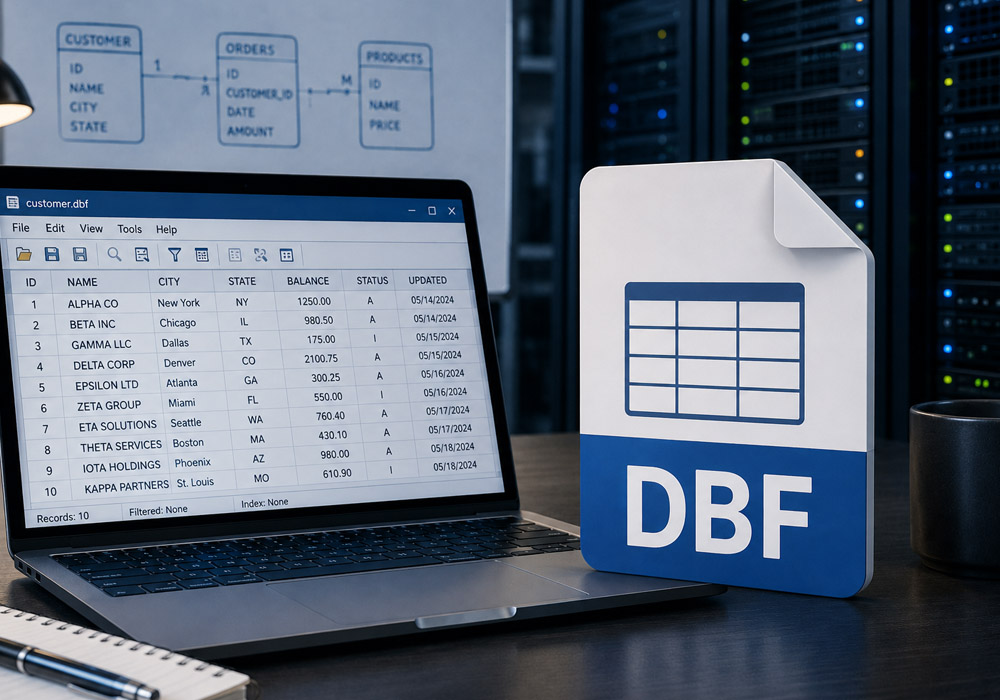
A database administrator who double-clicks a .dbf file on a modern Windows machine usually gets nothing useful. The operating system has no default handler for the format, and the tool most people reach for next makes things worse. Excel will often open the file, but it truncates long text, misreads date fields, and stumbles on the older code pages these files were written in. For a DBA who needs to trust what is on the screen, that is a shaky place to start.
Why the Obvious Approaches Fall Short
Excel treats a DBF as a spreadsheet import, so it guesses at column types and drops anything that doesn’t fit its assumptions. Large files can exceed its row limits, and memo fields, which live in a companion file, tend to come back empty. Writing a quick script works if the DBA already knows the exact dialect, but a file handed over during a migration might be dBASE, FoxPro, Clipper, or Visual FoxPro, and each stores a few things differently. What a DBA wants is to open the file, see every record accurately, and make changes without corrupting the structure.
What Opening the File Should Let You Do
Viewing is only the first step. Day to day, a DBA needs to act on the data once it is on the screen, and a proper DBF tool covers the full range of those tasks.
- Edit records in place. Fixing a wrong value, appending a record, or marking one for deletion should happen inside the file itself, with a clear view of what changed before it is saved.
- Change the structure. Adding a field, renaming one, reordering columns, or adjusting a type and length lets a DBA reshape a table for its next use without rebuilding it from scratch.
- Search and filter fast. Query-by-example filtering narrows thousands of records to the handful that need attention, which matters when hunting down a bad row in a large archive.
- Clean up the file. Removing duplicates, deleting empty records, and permanently clearing rows already flagged for deletion keeps an inherited file tidy before it moves on.
Handling Code Pages and Multiple Dialects
One recurring headache for administrators is character encoding. A file created decades ago may store text in an OEM code page, so names and addresses appear scrambled when a modern tool assumes a different one. Being able to switch a file between ANSI and OEM interpretation, and to open any xBase dialect without installing ODBC or BDE drivers, removes most of the friction that makes these files feel fragile.
A Tool Built for the Task
DBF2002.com offers DBF Viewer 2000, a Windows application built around exactly this workflow. It opens dBASE, FoxPro, Clipper, and Visual FoxPro files without external drivers, shows every record accurately including memo fields, and lets a DBA edit data, modify the structure, filter by example, and clean up duplicates from one interface. A built-in statistics view reports the minimum, maximum, average, and sum for each field, which gives a fast read on a file’s contents before any changes are made. Routine jobs can be scripted through its command line when the same task repeats across many files.
Getting Control of the File
Opening a .dbf file should never mean gambling on whether Excel guessed the columns correctly. With a tool built for the format, a DBA can open any dialect, see the data as it stands, fix what needs fixing, and export a clean copy when the file is ready to move. The free trial of DBF Viewer 2000 helps you open, edit, and manage a dbf file with confidence.