Scaling video content for business often becomes a bottleneck. You know video works, but producing high-quality clips consistently can drain time, budget, and creative energy. Statistics show that video content drives significantly higher engagement across digital channels, yet many teams still struggle to produce videos at scale without expanding resources.
This is where modern AI video workflows change the equation. PixVerse enables you to create visually rich AI videos from text prompts or photos, while platforms like invideo help orchestrate these clips into complete, story-driven outputs. As AI continues to influence trend forecasting, brand storytelling, and content velocity, automated workflows are becoming essential, not optional.
In this article, you’ll learn how PixVerse powers scalable AI video creation and how combining it with invideo helps you automate, assemble, and grow your business video output without adding complexity.
How You Scale Business Videos With AI Automation
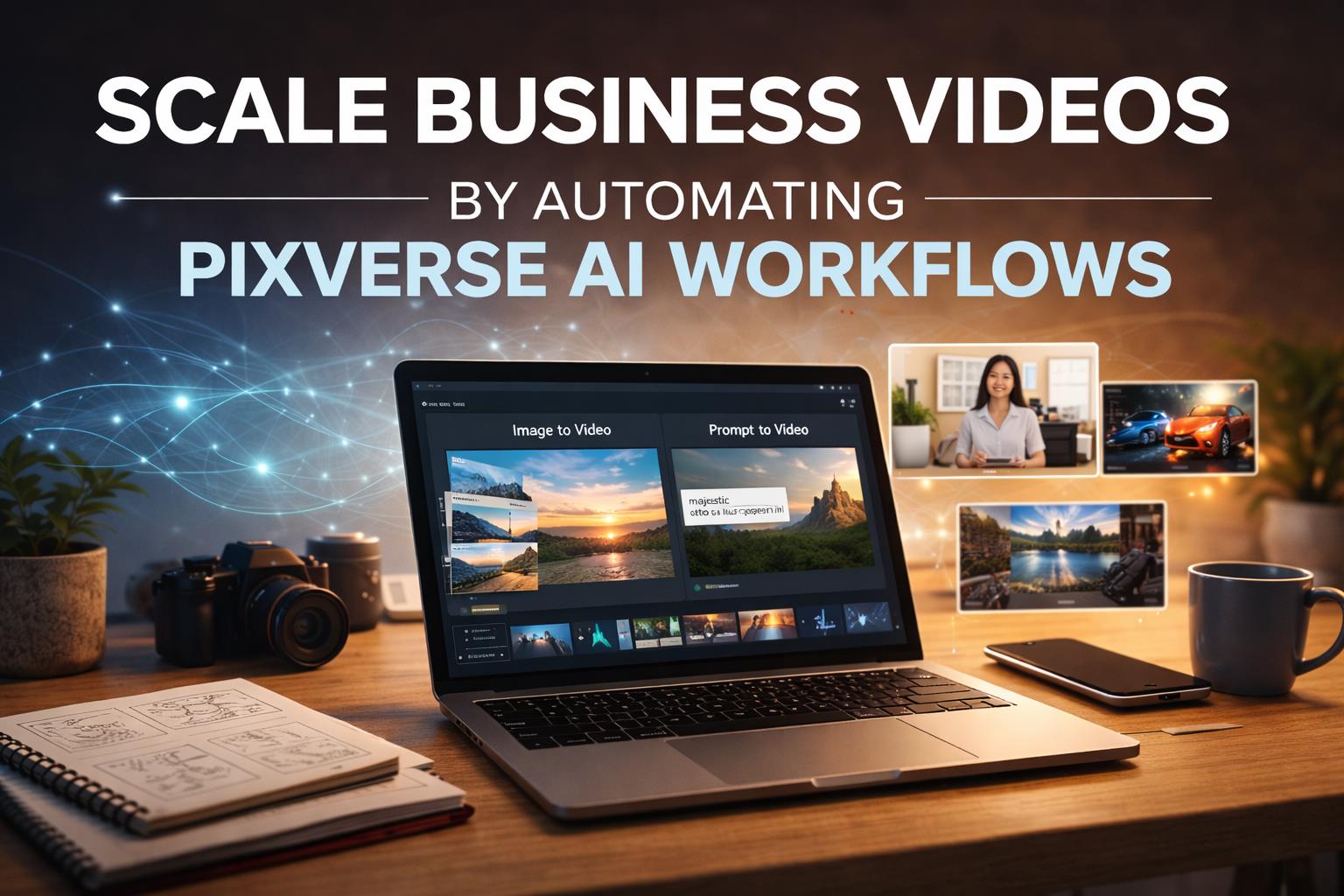
You scale business videos by automating AI generation, editing, and assembly into a single workflow. PixVerse generates cinematic video clips from text or images, while invideo acts as a director that stitches those clips into longer, multi-scene videos with music, voiceovers, and transitions.
Instead of manually producing each asset, you create repeatable workflows:
- Generate scenes using PixVerse
- Assemble them automatically inside invideo
- Edit scripts, visuals, or audio using text commands
This approach allows you to produce ads, brand videos, explainers, or social content at speed. It also helps you respond to trends faster, test multiple video formats, and maintain visual consistency across campaigns.
By separating clip generation from storytelling and editing, you gain flexibility. PixVerse focuses on cinematic visuals, while invideo handles pacing, structure, and scalability, making large-volume video creation realistic for teams of any size.
Understanding PixVerse as an AI Video Model
PixVerse is an AI video generation model that transforms text prompts or images into cinematic video clips. You can use it to visualize ideas quickly without traditional animation workflows.
Key characteristics include:
- Fast rendering speeds
- Natural motion and lighting
- Consistent visual quality
PixVerse excels at generating short, high-impact scenes that feel polished and professional. For businesses, this means faster experimentation with visuals before committing to long-form production.
How PixVerse and Invideo Work Together
Invideo functions as a creative director layer. While PixVerse AI generates the raw video clips, invideo manages structure, edits, voiceovers, and music.
This collaboration allows you to:
- Combine multiple PixVerse clips into full-length videos
- Control pacing and storytelling in one interface
- Maintain consistency across formats
PixVerse typically produces 5–8 second clips. Invideo assembles these clips into longer narratives, helping you move from isolated visuals to complete stories suitable for ads, campaigns, or educational content.
Automating Video Creation for Scale
Instant Video Creation Without Length Limits
When you select PixVerse inside invideo, you’re no longer restricted to short clips. Using the invideo + PixVerse 5 agent, you can generate videos of any length by combining multiple AI-generated scenes.
Benefits include:
- Faster turnaround for campaigns
- Ability to scale content formats
- Reduced dependency on manual editing
Cinematic Quality at Scale
PixVerse focuses on realism. You get consistent lighting, depth, and fluid animation across scenes. Invideo ensures those scenes align into a cohesive narrative without visible breaks.
Automated workflows become most effective when PixVerse AI operates directly inside invideo, allowing you to generate cinematic clips and immediately place them into a structured video timeline.
This connection lets you move from prompt to publish without context switching, while invideo manages edits, pacing, and storytelling continuity around the generated visuals. If you also explore its AI video app, you can extend this workflow across devices while maintaining creative consistency.

Using PixVerse on Invideo: Simple Steps
- Select PixVerse AI Model
- Choose the model designed for smooth motion and cinematic visuals.
- Add a Prompt and Image
- Describe the scene and add reference images for better context.
- Edit and Download
- Assemble scenes, refine edits, and export your final video.
This workflow supports rapid iteration, which is critical when responding to market trends or testing new messaging.
Why This Matters Across Industries
Automated PixVerse workflows benefit a wide range of users:
- Marketers producing ad variations
- Freelancers managing multiple client projects
- Small businesses creating promotional content
- Educators and course creators
- Faceless video channels
- Filmmakers prototyping scenes
AI video also plays a growing role in trend forecasting. By producing videos quickly, you can align content with emerging topics, seasonal behavior, or real-time insights without production delays.
AI Models on Invideo for Flexible Use Cases
Invideo supports multiple AI models and agents, including PixVerse. These tools help you create:
- Brand stories
- Music videos
- Event invites
- Explainers
- UGC ads
- Social clips
This flexibility ensures your workflows adapt as your content needs evolve.
FAQs
How long are PixVerse video clips?
PixVerse typically generates clips between 5 and 8 seconds. Invideo combines these clips into longer videos.
Can I create ads using PixVerse and invideo?
Yes. The workflow supports ad creation, brand storytelling, and promotional videos.
Do I need video editing experience?
No. Text-based editing and automation simplify the process.
Can I reuse generated clips?
Yes. Clips can be reused and rearranged across multiple projects.
Does this support educational content?
Absolutely. Teachers and course creators can generate visuals quickly.
Conclusion
Scaling business video creation no longer requires expanding teams or complex production pipelines. By combining PixVerse with invideo, you automate video generation, assembly, and editing into a single, efficient workflow. With PixVerse AI, you gain cinematic visuals, while invideo helps you structure, refine, and scale output across formats. Your next step is simple: design repeatable prompts, assemble modular scenes, and let automation handle the rest, so you can focus on strategy, storytelling, and growth.