Artificial intelligence has quietly reshaped how we create and edit visual content. From removing backgrounds to redesigning entire scenes, AI-powered tools now handle tasks that once required advanced design skills. The global AI market is projected to surpass $1.8 trillion by 2030, according to Wikipedia, reflecting how deeply these technologies are influencing creative industries.
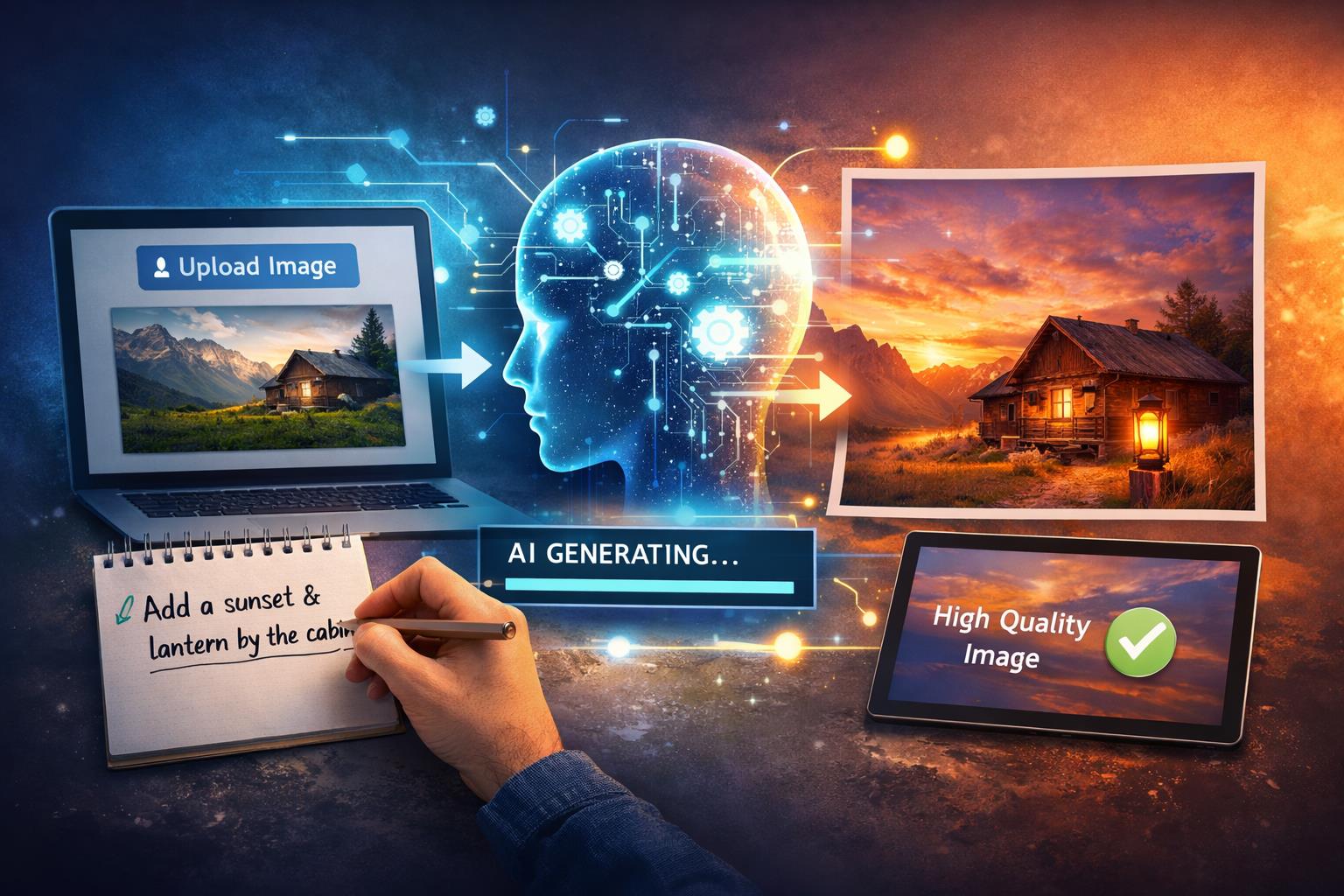
For many creators, marketers, and small business owners, the challenge is simple: how do you transform an existing photo without starting from scratch? This is where an image to image generator becomes relevant. It allows users to upload a photo, describe the changes they want, and receive a reimagined version within seconds. The process feels less like editing and more like directing a creative assistant.
What Is Image to Image Generation?
An image to image generator is an AI-based tool that modifies an existing image based on a text prompt. Instead of manually adjusting layers, lighting, or objects, users describe the change in plain language.
The AI tech analyzes the original image and applies the requested transformation. That could include:
Change style or mood
- Convert a daytime scene into a sunset setting
- Turn a photograph into a watercolor painting
- Add cinematic lighting effects
- Use a facial expression changer to adjust expressions while preserving the subject’s overall appearance
Add or remove elements
- Insert objects into the background
- Replace skies or textures
- Remove distractions
Adjust composition
- Expand image borders
- Modify color tones
- Improve clarity and detail
Unlike traditional editing software, the user does not need technical expertise. The AI handles rendering while the user focuses on direction and intent.
How Does an Image to Image Generator Work?
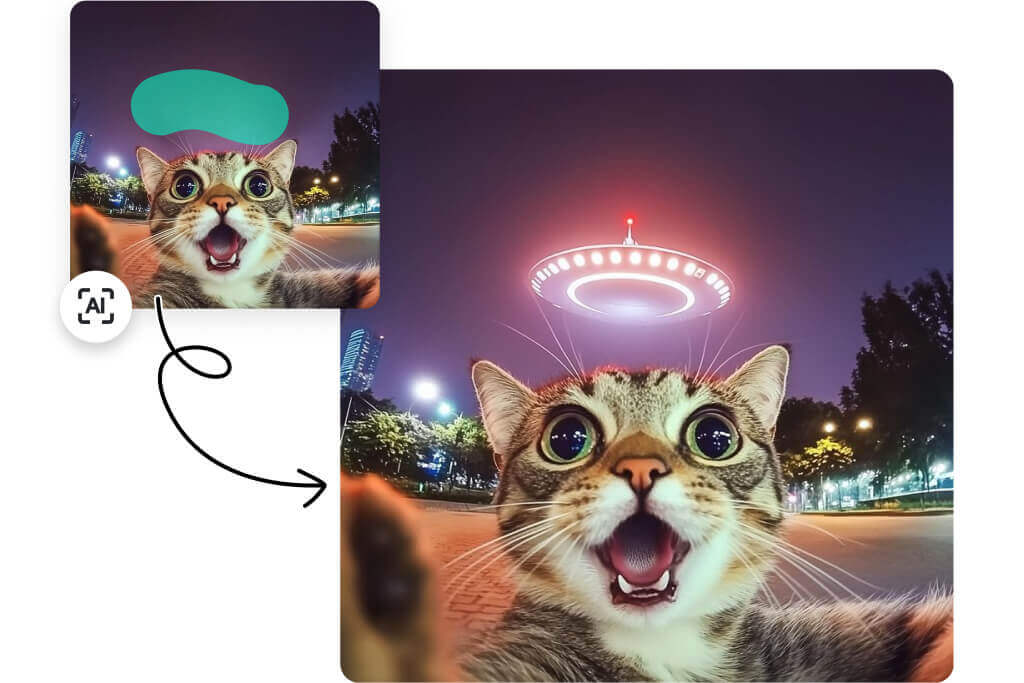
At a technical level, these systems rely on generative models trained on large datasets of images. When you upload a photo and provide a prompt, the model predicts how the image should look after applying your request.
Here is the simplified process:
Step 1: Image analysis
The AI identifies shapes, textures, lighting, and context within the uploaded image.
Step 2: Prompt interpretation
It reads the written instruction and translates it into visual modifications.
Step 3: Regeneration
The tool reconstructs the image with the requested changes while preserving important details.
For example, if you upload a product photo and write “place this on a marble countertop with soft morning light,” the AI generates a new background and lighting effect while keeping the product intact.
This approach reflects a broader trend in generative AI, which has gained significant traction in business and media. As noted by Forbes, generative AI tools are transforming industries by automating creative tasks that once required specialist skills.
Why Are AI-Driven Edits Gaining Popularity?
AI-powered image transformation tools appeal to a wide audience because they reduce friction.
Speed and accessibility
Traditional editing workflows can take hours. AI systems deliver revised visuals in seconds.
Lower skill barrier
You do not need to understand masking, layering, or blending modes.
Creative experimentation
Users can test multiple variations quickly without rebuilding from scratch.
Bullet points for clarity:
- Marketers can produce campaign variations rapidly
- E-commerce sellers can update product backgrounds
- Content creators can refresh social posts
- Educators can adapt visuals for presentations
Instead of relying on complex design software, users interact with a prompt-based interface. The experience feels conversational, which aligns with how many people already use AI tools.
How Can You Use an Image to Image Generator Strategically?
The practical applications extend beyond casual editing.
Product visualization
Online sellers can transform simple product shots into lifestyle imagery without a studio setup.
Branding consistency
Businesses can apply consistent visual styles across images by describing brand colors, textures, or lighting.
Social media adaptation
Content creators can repurpose one base image into multiple formats and moods for different platforms.
Concept prototyping
Designers can test ideas before committing to a final production design.
In this transformation workflow, platforms like invideo provide an image to image generator that allows users to upload a photo, describe the desired changes, and receive a refined AI-generated result. Because the tool focuses on prompt-based editing rather than manual controls, it supports users who want efficiency without sacrificing creative input.
This same ecosystem often overlaps with apps such as a free AI video generator, which extends prompt-based creativity from static visuals into motion content. The connection highlights how AI is unifying image and video creation within a single workflow.
What Makes AI Editing Different From Traditional Software?
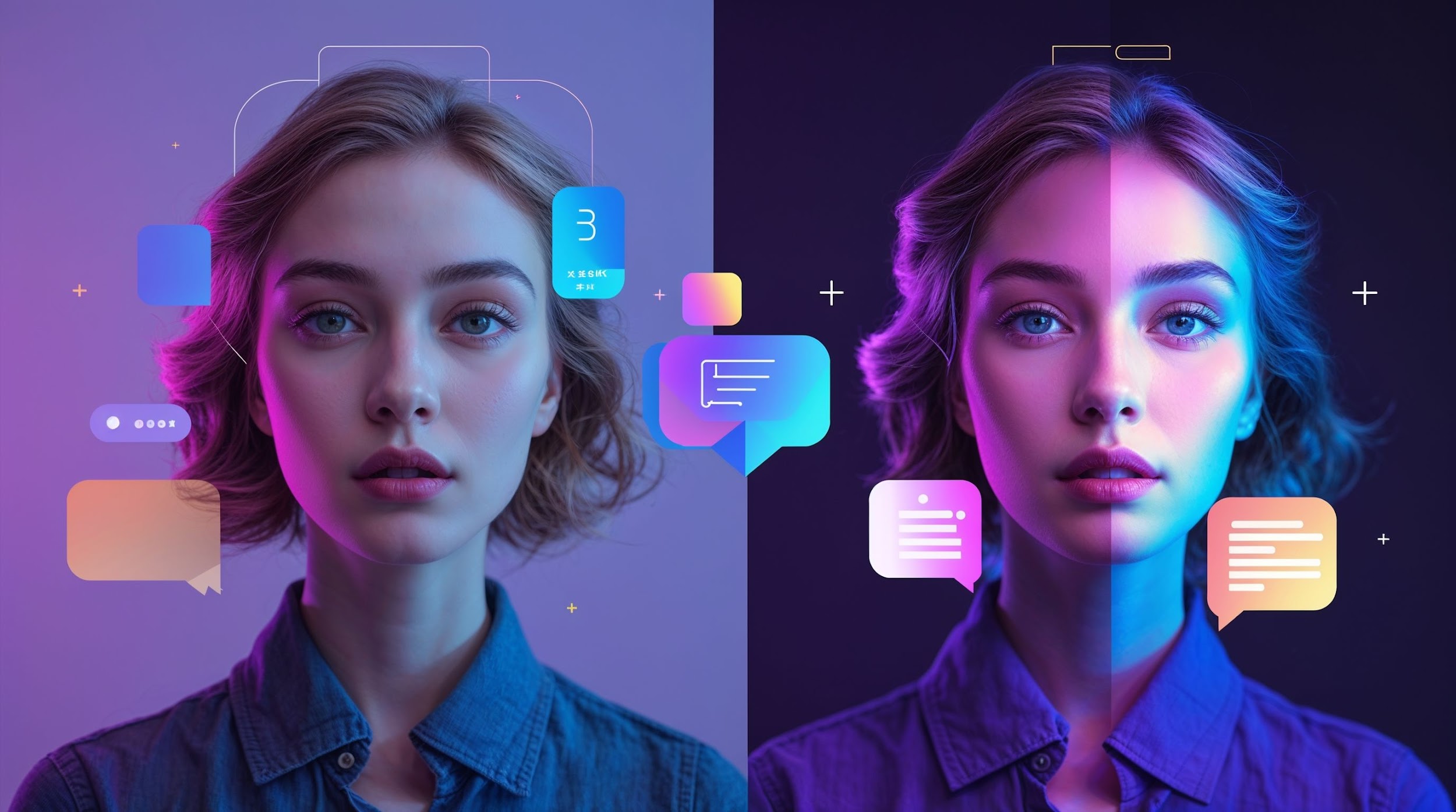
Traditional software gives users complete manual control. AI tools, by contrast, emphasize intent over technique.
Here are the core differences:
Manual editing
- Requires technical knowledge
- Involves layered adjustments
- Demands time for precision
AI-driven editing
- Accepts text instructions
- Generates variations automatically
- Prioritizes speed and iteration
That does not mean manual tools are obsolete. Instead, AI complements them. Professionals may use AI to generate drafts, then refine them in editing software.
The main shift lies in workflow. You describe what you want, and the system generates possibilities.
Can AI Maintain Image Quality?
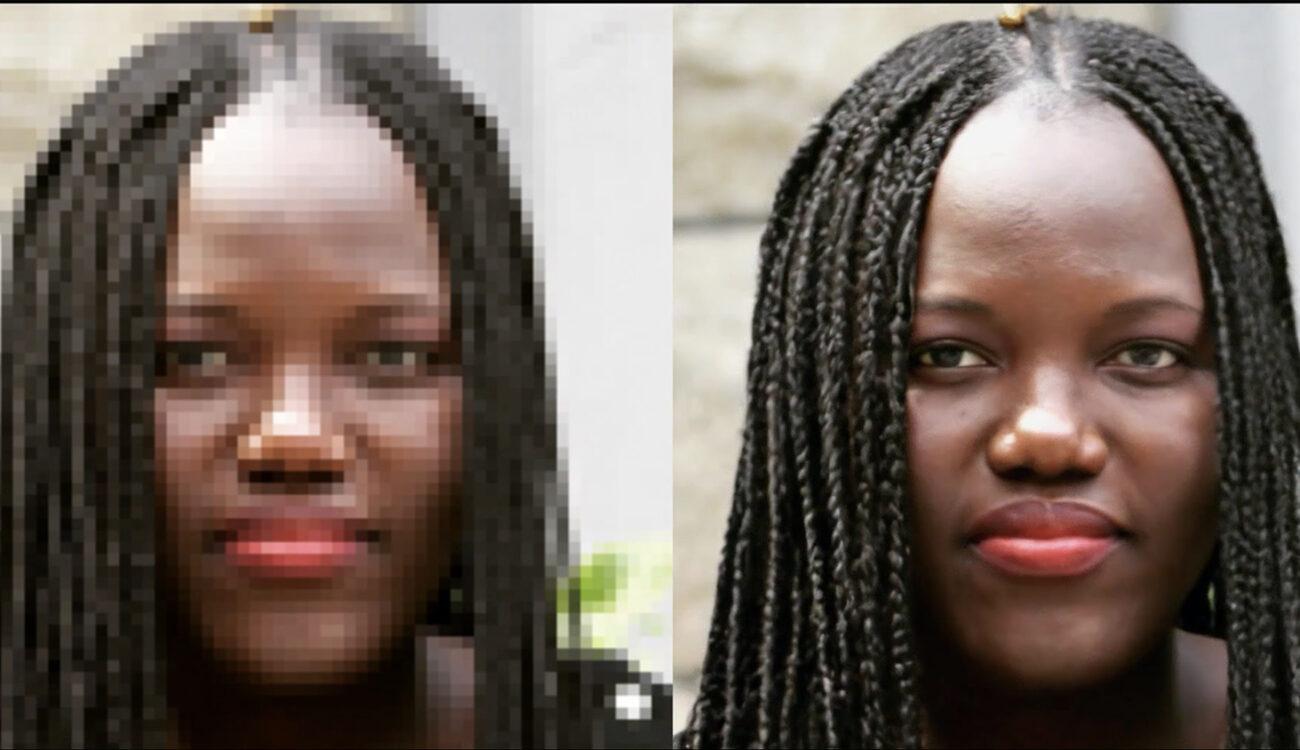
A common concern is whether AI-generated edits compromise quality. Modern generative systems are trained on high-resolution datasets, enabling detailed outputs.
Quality depends on:
Input clarity
Higher resolution source images produce better results.
Prompt specificity
Detailed instructions lead to more accurate transformations.
Iterative refinement
Users can adjust prompts to refine the outcome.
For instance, instead of writing “make it better,” try “increase sharpness, enhance natural skin tones, and add soft warm lighting.” The second prompt gives the AI clearer guidance.
The best results often come from collaboration between user input and AI output.
How Is AI Reinventing Digital Image Editing?
The evolution of digital editing has moved from darkroom techniques to desktop software and now to prompt-based systems.
AI-driven transformation shifts the focus from technical manipulation to creative direction. You define the outcome, and the system handles the process.
This new era of AI-driven image transformation offers several advantages:
- Faster content production cycles
- Expanded creative experimentation
- Lower entry barriers for non-designers
- Scalable visual adaptation across campaigns
An image to image generator fits naturally into this shift. It allows individuals and businesses to iterate on visuals without rebuilding assets repeatedly.
Instead of replacing human creativity, AI supports it. The user remains responsible for vision, context, and final approval.
Conclusion
Visual storytelling continues to evolve, and AI tools are accelerating that change. An image to image generator enables users to transform existing visuals by uploading a photo and describing the desired modifications. The system analyzes the original image, applies the requested changes, and produces a new version within seconds.
For marketers, entrepreneurs, and creators, this means faster workflows and more room for experimentation. The technology does not eliminate creative control. It simplifies execution.
If you want to modernize your visual process, begin by experimenting with prompt-based image editing. Small adjustments can lead to significant improvements in clarity, style, and impact.
Frequently Asked Questions
What is an image to image generator used for?
It is used to modify existing images using text prompts. Users can change backgrounds, add objects, adjust lighting, or alter artistic styles without manual editing tools.
Do I need design skills to use it?
No. Most tools rely on written prompts instead of technical controls. Basic familiarity with describing visual changes is enough to start.
Can businesses use AI image editing commercially?
Yes, many businesses use AI to create product visuals, marketing assets, and social media content. Always review platform usage rights before publishing.
Does AI reduce image quality?
High-resolution inputs and clear prompts generally produce strong results. Output quality improves with better source images and detailed instructions.
Is AI editing faster than manual editing?
In many cases, yes. AI can generate variations in seconds, while manual editing may take significantly longer.
Can I edit the same image multiple times?
Yes. You can upload the same image and apply different prompts to create variations, compare results, and refine outcomes.
This shift toward AI-driven transformation reflects how digital creativity continues to evolve. By focusing on intent rather than technique, tools like an image to image generator make visual reinvention accessible to a broader audience.