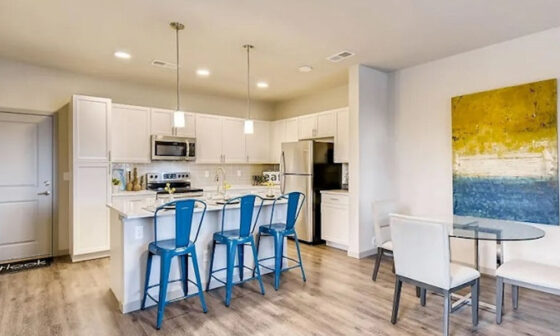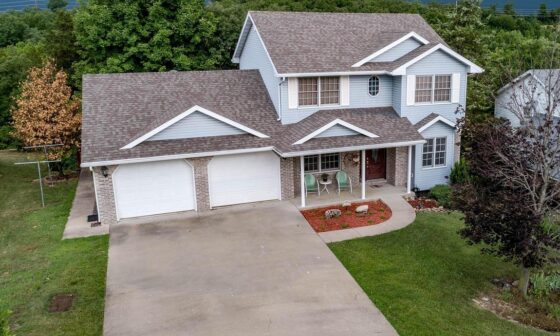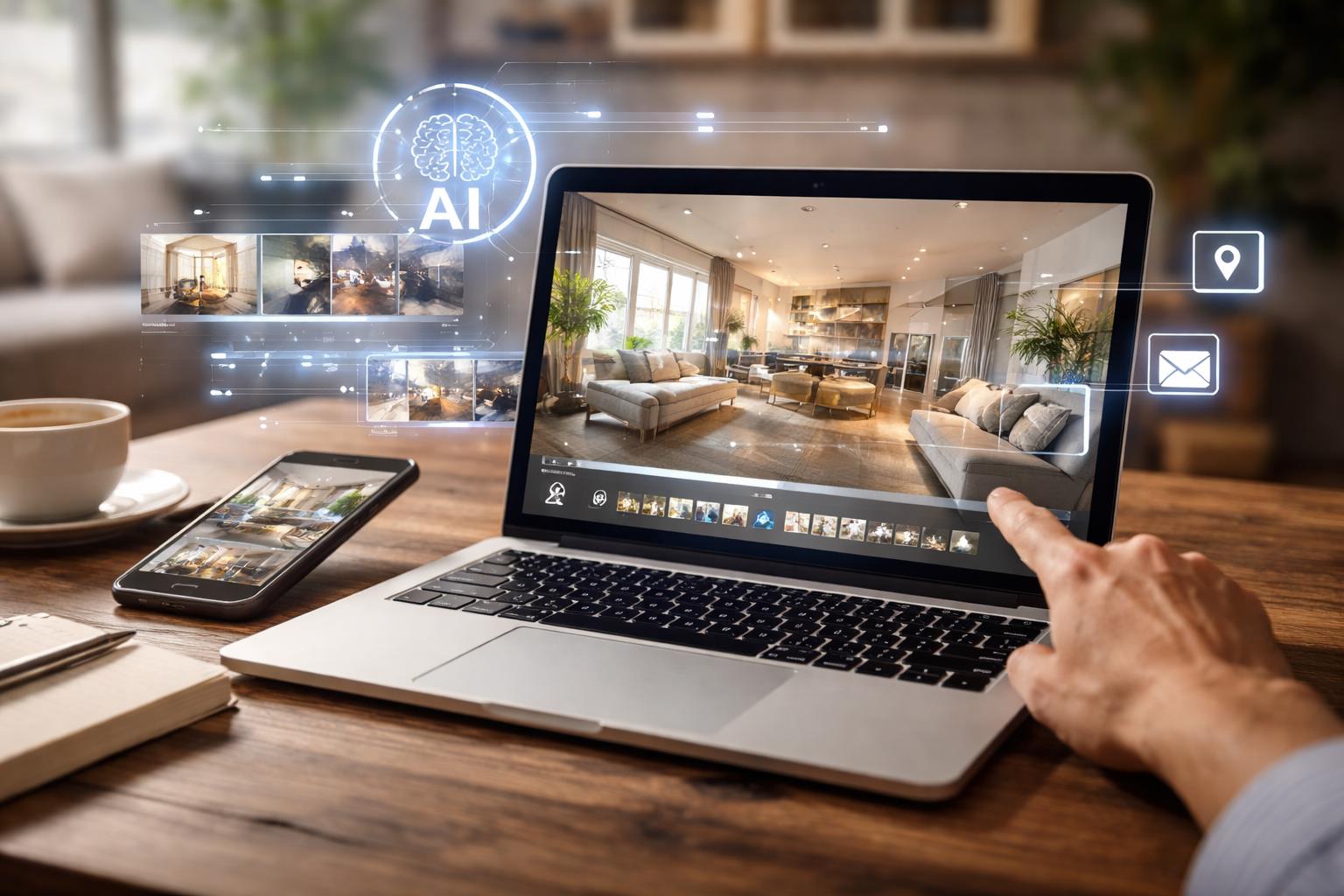
You’re seeing a clear shift in how real estate videos are created. Static listings and long production cycles are gradually giving way to faster, more visual formats powered by AI. At the center of this change is Google VEO, Google’s advanced AI video generation model, now evolving through Veo 3.1. This latest version focuses on visual coherence, cinematic motion, and native audio, making it practical for short-form yet high-quality video creation.
As you explore Google’s AI video generator ecosystem, the real opportunity opens up when Veo 3.1 is paired with platforms that simplify real-world workflows. This is where tools like invideo come into play, helping you translate AI capabilities into usable outputs for promos, social clips, explainers, product demos, and especially real estate property tours. With the right setup, you can move from concept to a polished tour video in minutes, not days.
Why are quick property tours becoming essential today?
You’re working in a market where buyers expect immediacy. Property seekers want visual context before site visits, whether they’re relocating with a family guide to moving out smoothly or evaluating an investment alongside commercial property tax considerations. Short, engaging video tours help you answer those questions faster.
Quick property tours let you:
- Pre-qualify leads without extra calls
- Showcase layout, lighting, and surroundings visually
- Reach remote or international buyers more effectively
AI-driven workflows reduce friction here, allowing you to focus on storytelling rather than technical production.
What makes Veo 3.1 different from earlier AI video models?
Veo 3.1 is designed to create visually consistent, high-quality eight-second video clips with native audio generation. You’re not limited to text prompts alone; you can guide outputs using image references, control scene framing, and maintain stylistic continuity.
When you use Veo 3.1 through invideo, these capabilities become accessible inside a structured workspace. Instead of experimenting in isolation, you’re applying AI to real use cases such as property walk-throughs, neighborhood highlights, and lifestyle-driven real estate visuals.
How does Invideo simplify video creation with Veo 3.1?
You don’t need to be a video editor to work effectively with Veo 3.1. Invideo acts as the bridge between the model and your business goals. Inside the platform, you can explore Agents & Models and select Veo 3.1 to generate videos instantly.
This setup supports:
- Real estate tours
- Social media promos
- Explainer-style walkthroughs
- Service or brand introductions
Because invideo supports multiple AI models, you’re not locked into a single workflow. You adapt the model to your purpose, whether that’s listing-focused tours or broader real estate storytelling.
Can you control visuals precisely when building property tours?
Yes, and this is where Veo 3.1 stands out for real estate work.
First & Last Frame Control
You can define exactly how your video starts and ends by uploading reference images. For property tours, this means opening with a clear exterior shot and closing on a compelling interior or amenity view.
Image Referencing
By uploading a reference image, you ensure visual alignment across frames. This helps maintain architectural consistency, furniture style, and lighting tone, which is critical when presenting properties professionally.
Generate with Veo 3.1
Inside invideo, selecting Veo 3.1 under Agents & Models lets you create a video instantly, combining your prompts, references, and framing preferences into a cohesive output.
In this context, Google VEO fits naturally into the invideo workflow, helping you generate clean, engaging property tours without disrupting your broader content strategy.
Why does this approach work well for real estate professionals?
As a real estate agent, marketer, or property consultant, your time is limited. You’re balancing listings, client communication, documentation, and marketing. AI-assisted video creation reduces the effort required to maintain a strong visual presence.
Using Veo 3.1 with invideo helps you:
- Launch listings faster
- Test multiple visual angles for the same property
- Repurpose videos across platforms
It also supports related content formats, such as neighborhood explainers or short clips that complement written guides and tax-related insights for buyers.
Is this setup useful beyond real estate?
Absolutely. While property tours are a standout use case, the same workflow applies to many professional roles.
You can use invideo with Veo 3.1 to create:
- Brand stories for small and large businesses
- Event invites and announcements
- Music videos and creative experiments
- Explainers for education and training
Marketers, freelancers, agencies, solopreneurs, teachers, course creators, and even faceless video channel operators can adapt the same tools to their needs. The versatility lies in how AI models on invideo support different storytelling formats.
When should you use an AI video generator app in your workflow?
Once you’ve validated that short-form video improves engagement, adding an AI video generator app makes sense for scaling output when operating on multiple devices, especially mobile devices. Instead of producing one-off videos, you can build repeatable formats: property tours, social clips, or service explainers that align with your brand voice.
The key is to treat AI as a production assistant, not a replacement for context. Your insights, market knowledge, and audience understanding still guide the narrative.
Can this help attract better-qualified leads?
Yes. Video tours created through invideo and Veo 3.1 act as visual filters. Prospective buyers or tenants who engage with these videos often have clearer expectations before reaching out.
This is especially useful when:
- Buyers are relocating and researching remotely
- Investors are comparing properties with tax implications in mind
- Commercial clients want quick spatial overviews
By presenting information visually, you reduce back-and-forth and improve lead quality.
Why should real estate storytelling matter now?
You’re no longer just selling space, you’re presenting possibilities. AI-powered video lets you frame properties within lifestyle narratives, investment logic, or practical decision-making guides.
As invideo continues to integrate advanced models like Veo 3.1, real estate professionals gain tools that balance speed with clarity. You stay relevant in a competitive market without overcomplicating your workflow.
Is Google Veo the future of fast property tours?
For professionals focused on speed, consistency, and accessibility, Google VEO represents a practical step forward. When combined thoughtfully with platforms like invideo, it becomes easier to create property tours that are informative, visually engaging, and aligned with how buyers consume content today.
By building quick property tours this way, you’re not just keeping up, but you’re simplifying how you communicate value, one video at a time.